


Get your Smart ID or passport
Get your Smart ID or passport
Get your Smart ID or passport
Get your Smart ID or passport
Book your appointment online, using your Banking App or go into selected branches.
What you need to know
Frequently Asked Questions
Ultimate

Monthly fee
R115
Get our Enhanced Credit Facility with 30 days interest free. Level the financial playing field and elevate your banking now.
Flexi Account
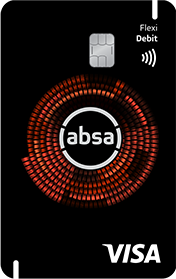
Monthly fee
R65
Enjoy full-service banking and only pay for the transactions you make.
Need more help
Contact us:
Call us on 0860 008 600
Email us at absa@absa.co.za


